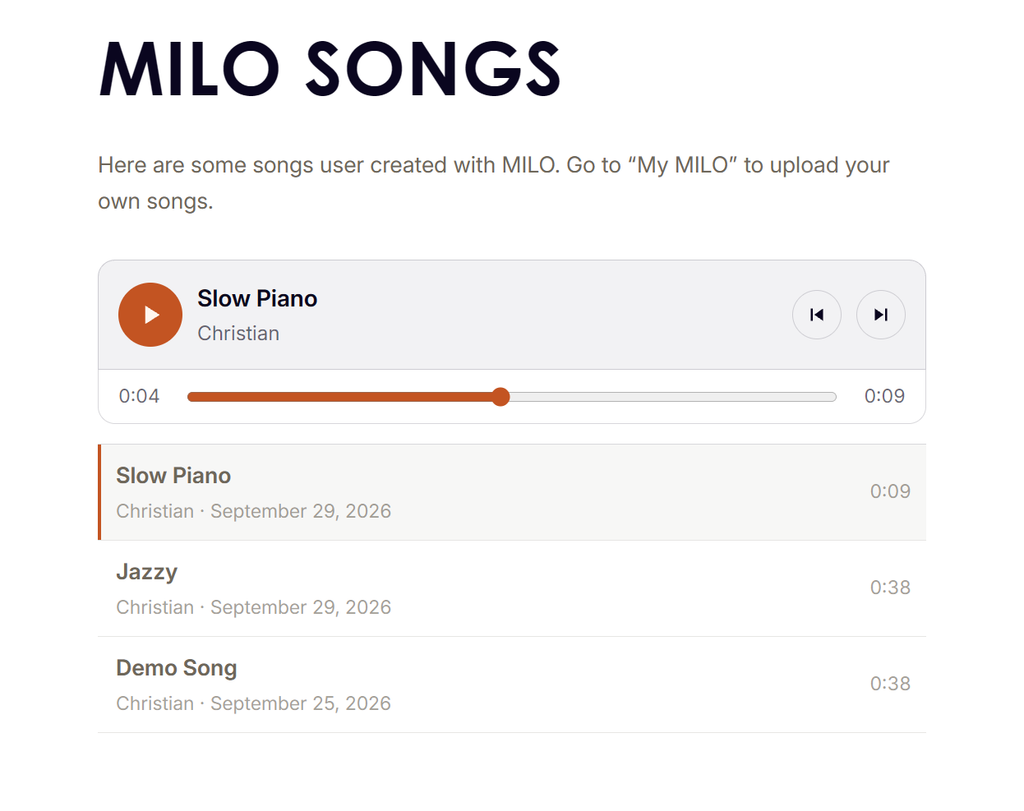
Made something on MILO you’re proud of? You can now put it on the website for everyone to hear. The songs other MILO owners have shared are on the new MILO Songs page, and yours can be next.
How to share a song
1. Connect MILO to your computer with its USB cable and switch it on.
2. Open My MILO in Chrome or Edge and click Connect to MILO
3. Open the Songs tab and click the song you want to share.
4. Click Share on website.
5. Give your song a title and add your name, if you like. If not, your song appears as “Untitled” by “Anonymous”.
6. Tick the box to confirm that you are happy for it to be public, then click Share.
MILO now plays your song through once to record it, so this takes about as long as the song itself. Leave MILO connected until the page tells you it’s done.
We can’t wait to hear what you’ve made!
Leave a Reply